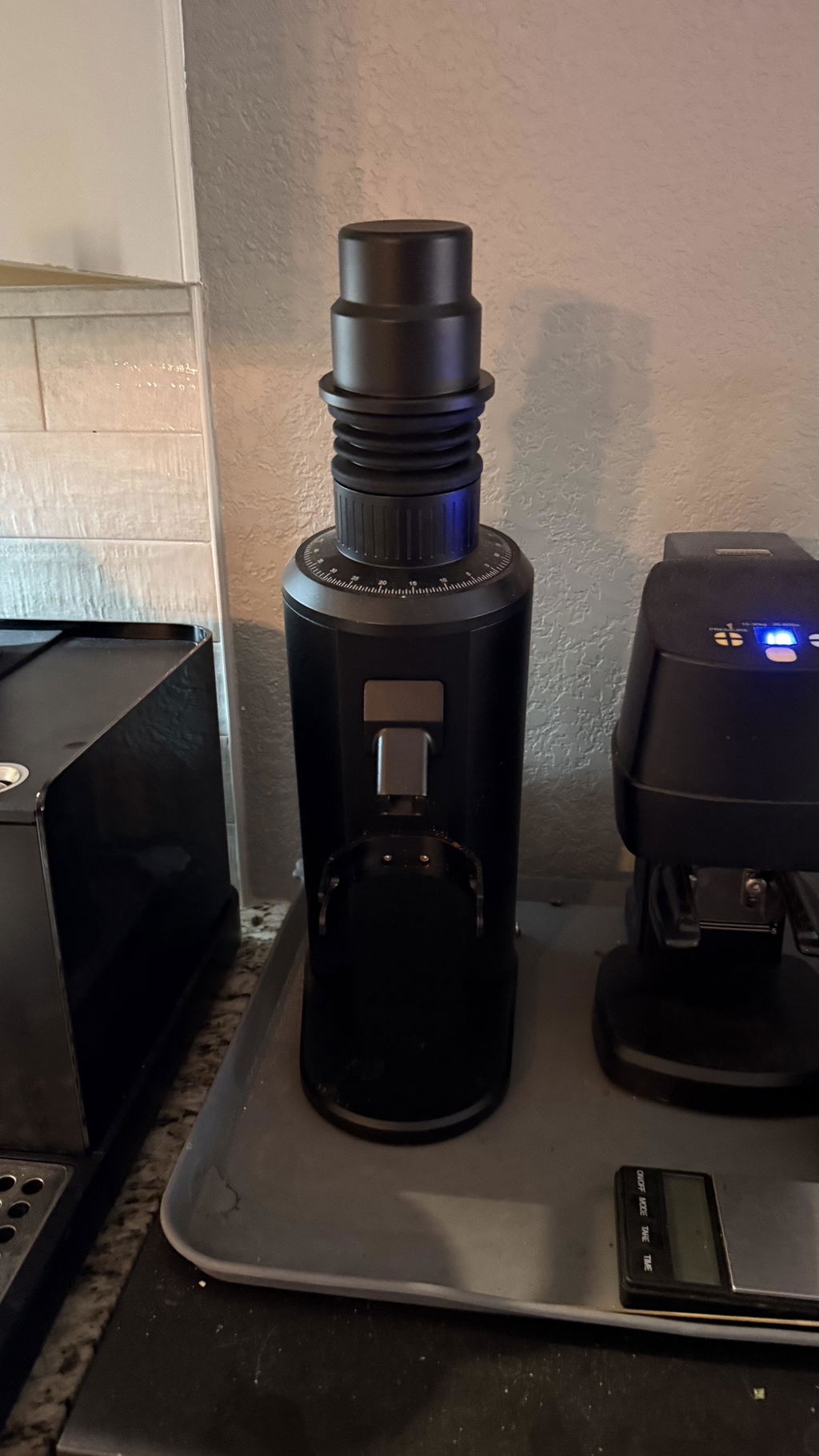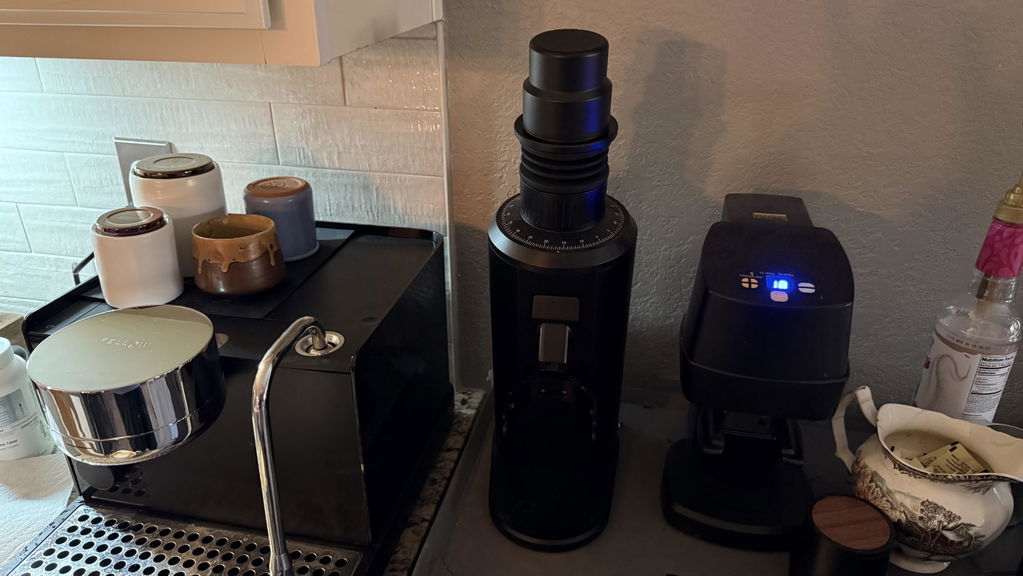
DF64 Gen 2 Vibrates or Moves While
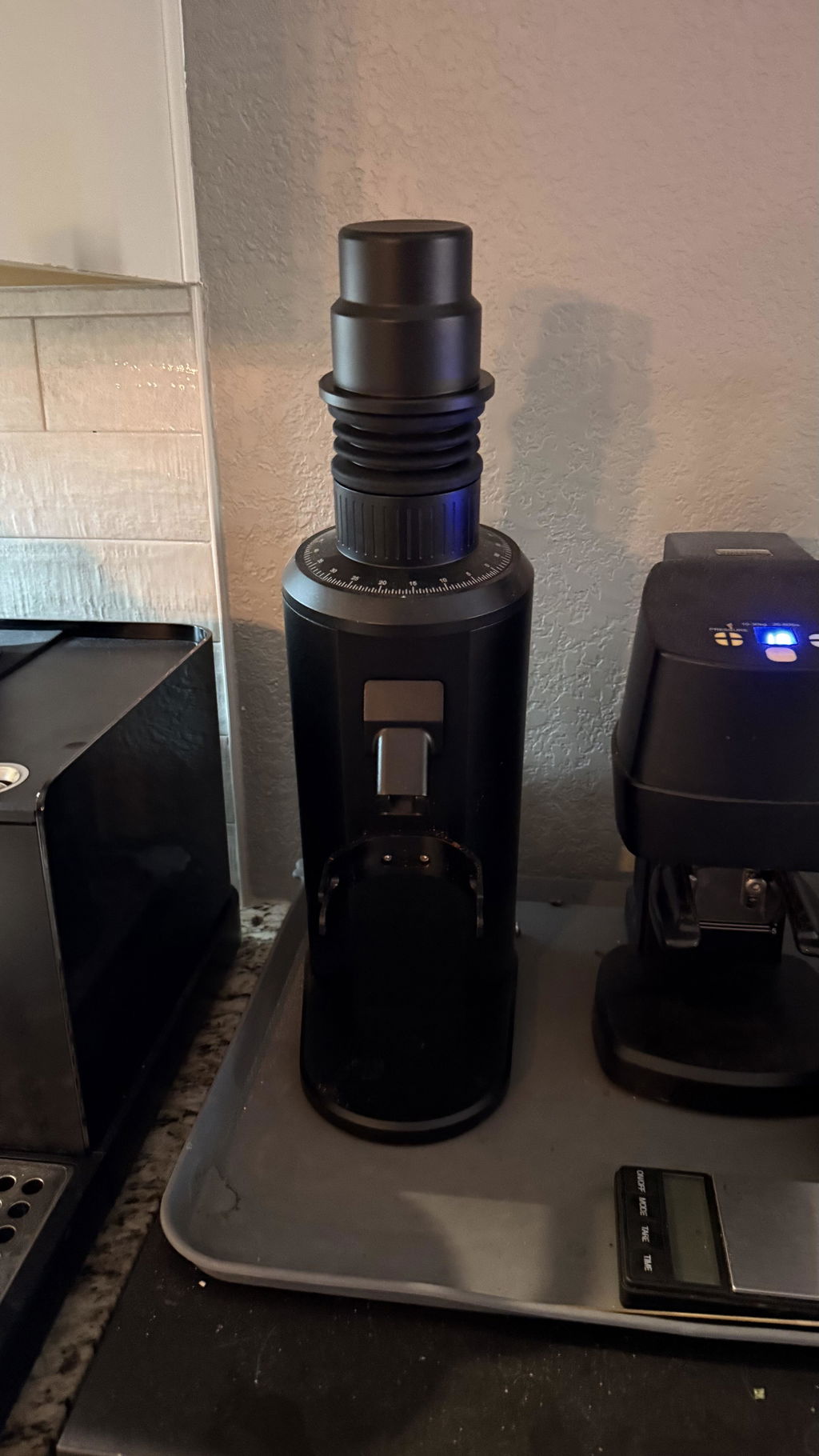
A DF64 Gen 2 that creeps a few millimeters on a dusty polished counter may be healthy. A grinder that suddenly shakes, knocks, or changes sound needs a different response. Begin by observing when the movement occurs and whether it started after cleaning, a burr swap, or a foreign-object impact.
Rule out the counter and feet
- Switch off and unplug the grinder.
- Wipe coffee dust and oil from the counter.
- Clean and dry every rubber foot.
- Confirm no foot is missing, loose, compressed, or uneven.
- Place the grinder on a rigid, level surface.
- Route the power cord so it does not pull sideways.
Test with the dosing cup, bellows, and lid positioned normally. Thin metal counters and hollow carts can amplify a modest vibration into a loud resonance.
Listen for an external rattle
Check the cup fork, anti-popcorn device, bellows lid, and chute hardware. Touch only the outside of the fully assembled grinder during a test. If light pressure on one accessory stops the sound, tighten or reseat that part with power disconnected.
Investigate a sudden internal vibration
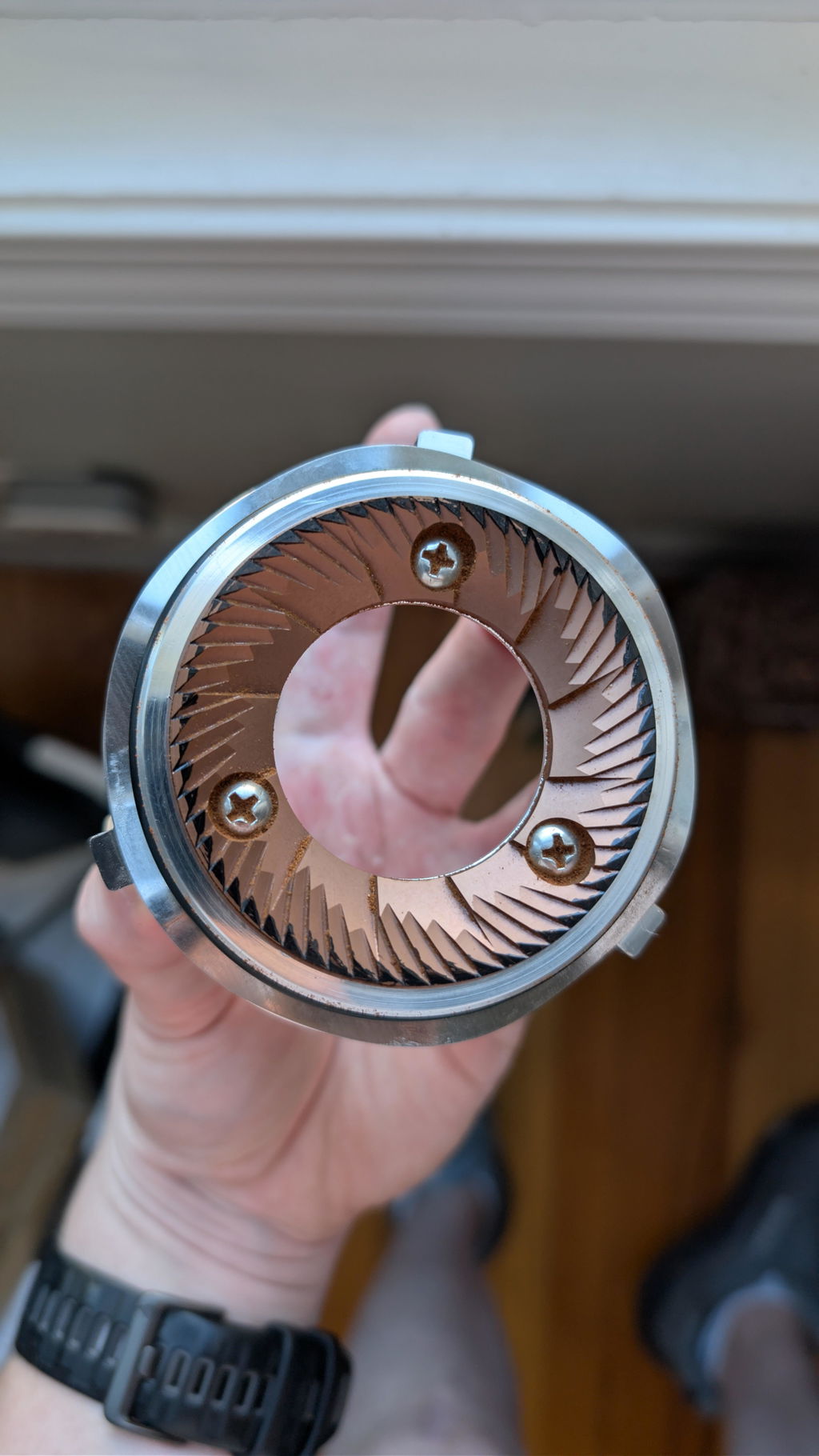
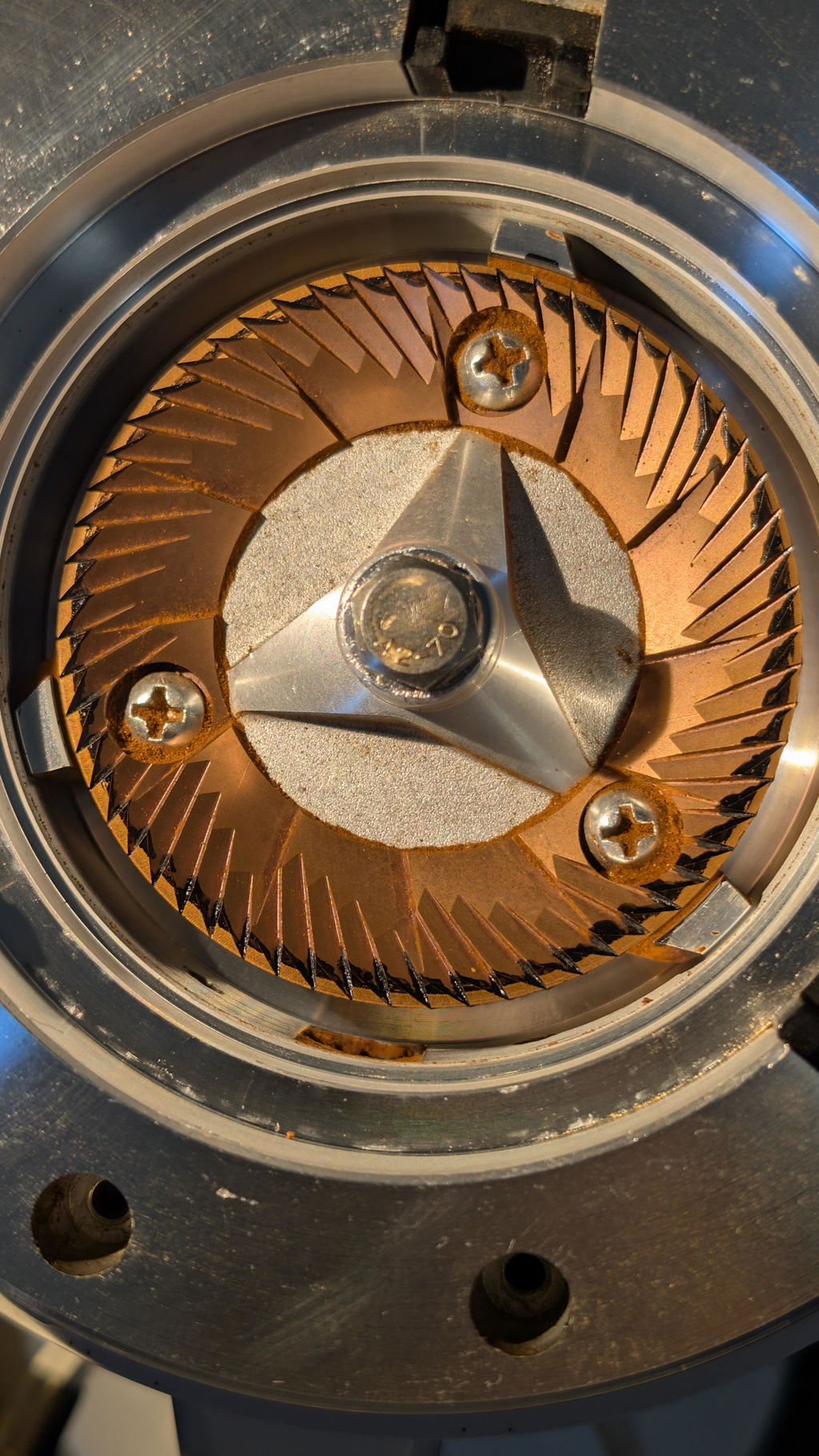
Stop immediately if vibration began with a hard tick or impact. Coffee can contain stones. Unplug the unit, open the chamber using the DF64 Gen 2 support instructions, and inspect burr edges for a localized chip or lodged object. Do not keep grinding to pulverize it.
If vibration began after service
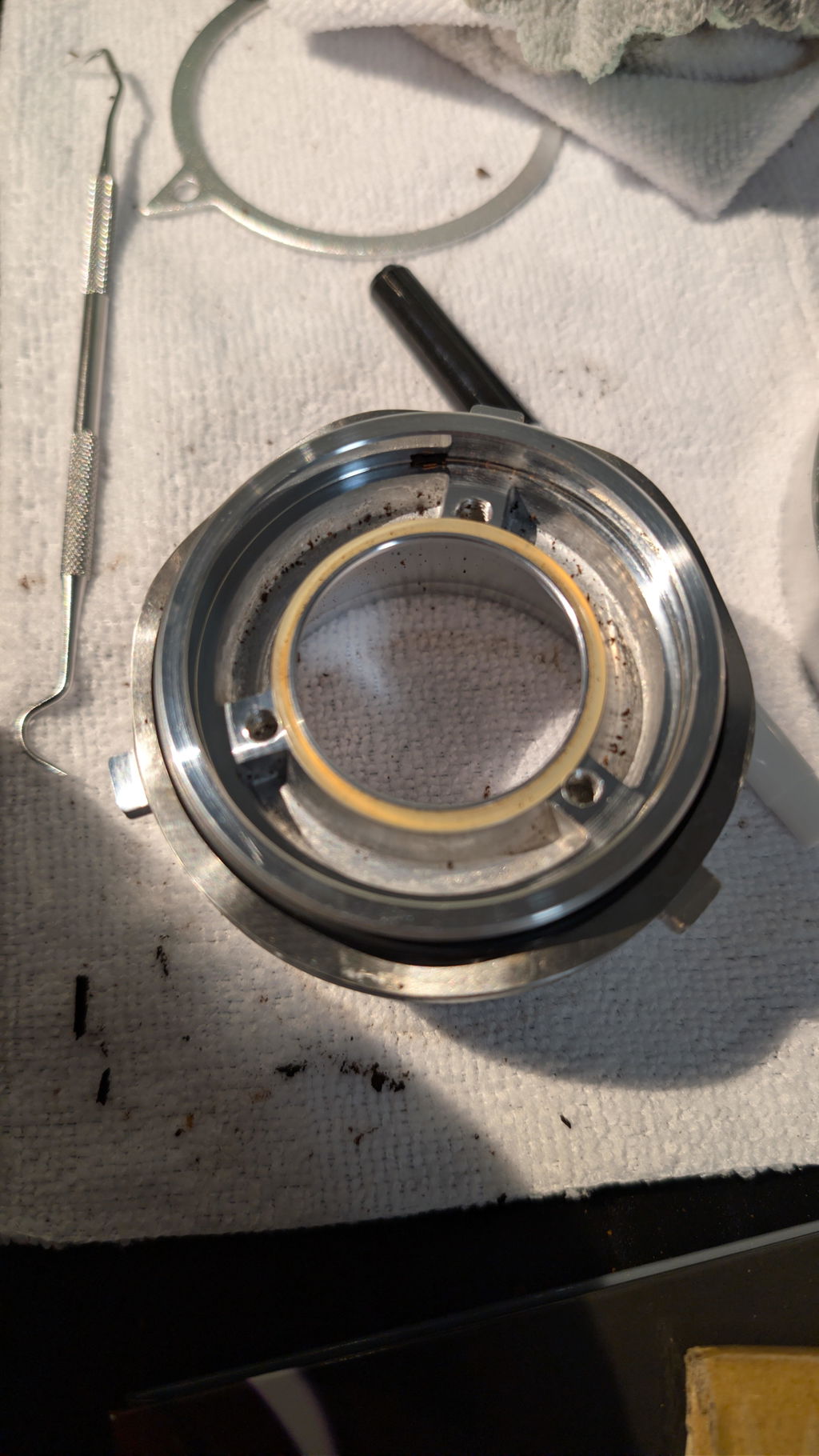
Check that the upper carrier returned to its marked orientation, both burrs sit flat on clean mounting surfaces, seals and springs are seated, and screws are evenly snug. A burr tightened hard on one side before the others can sit unevenly. Reinstall incrementally in a crossing pattern.
A marker alignment test is not the first step. First correct seating, debris, loose hardware, and the supporting surface.
Perform a controlled test
- Reassemble every part and set the empty grinder to coarse.
- Run it briefly without beans.
- Observe the outer body and listen for recurring knocks.
- If quiet, grind a small dose using a normal hot start.
- Compare movement with and without the dosing cup and lid.
If it moves only under a heavy cold start, begin the motor before slowly feeding dense light-roast beans. Do not press down on the grinder to mask a true mechanical fault.
When vibration needs service
Stop for strong new shaking, continuous scraping, a visibly eccentric outer burr edge, lateral shaft movement, damaged mounting screws, smoke, or a burning smell. Record a video that shows the entire grinder and a second close view of the cup and base. Include the serial number and recent maintenance history.
Use the DF64 identification guide before choosing anything from the DF64 Gen 2 parts collection.
DF64 vibration FAQ
Can coffee dust really make the grinder move?
Yes. Fine grounds reduce friction between rubber feet and smooth counters.
Does vibration always mean bad burr alignment?
No. Surface resonance, feet, accessories, trapped debris, and burr seating are more direct first checks.
Information that speeds up a support answer
Before submitting a request, gather the order number or purchase source, grinder serial number, voltage shown on the label, installed burr option, and approximate purchase date. Describe whether the symptom occurs with an empty chamber or only with beans, the coffee roast level, dose, grind setting, and what changed immediately before the problem began. List the cleaning or reset steps already tried so support does not send you through the same checks again.
A short video is usually more useful than a general description: record the complete grinder, the sound, the dial position, and the output into the cup. Do not remove safety covers or expose wiring for the recording. For intermittent issues, show one normal attempt and one failed attempt if that can be done safely. Clear photos of the serial label and any visibly damaged part also help support confirm the correct revision before recommending a part.