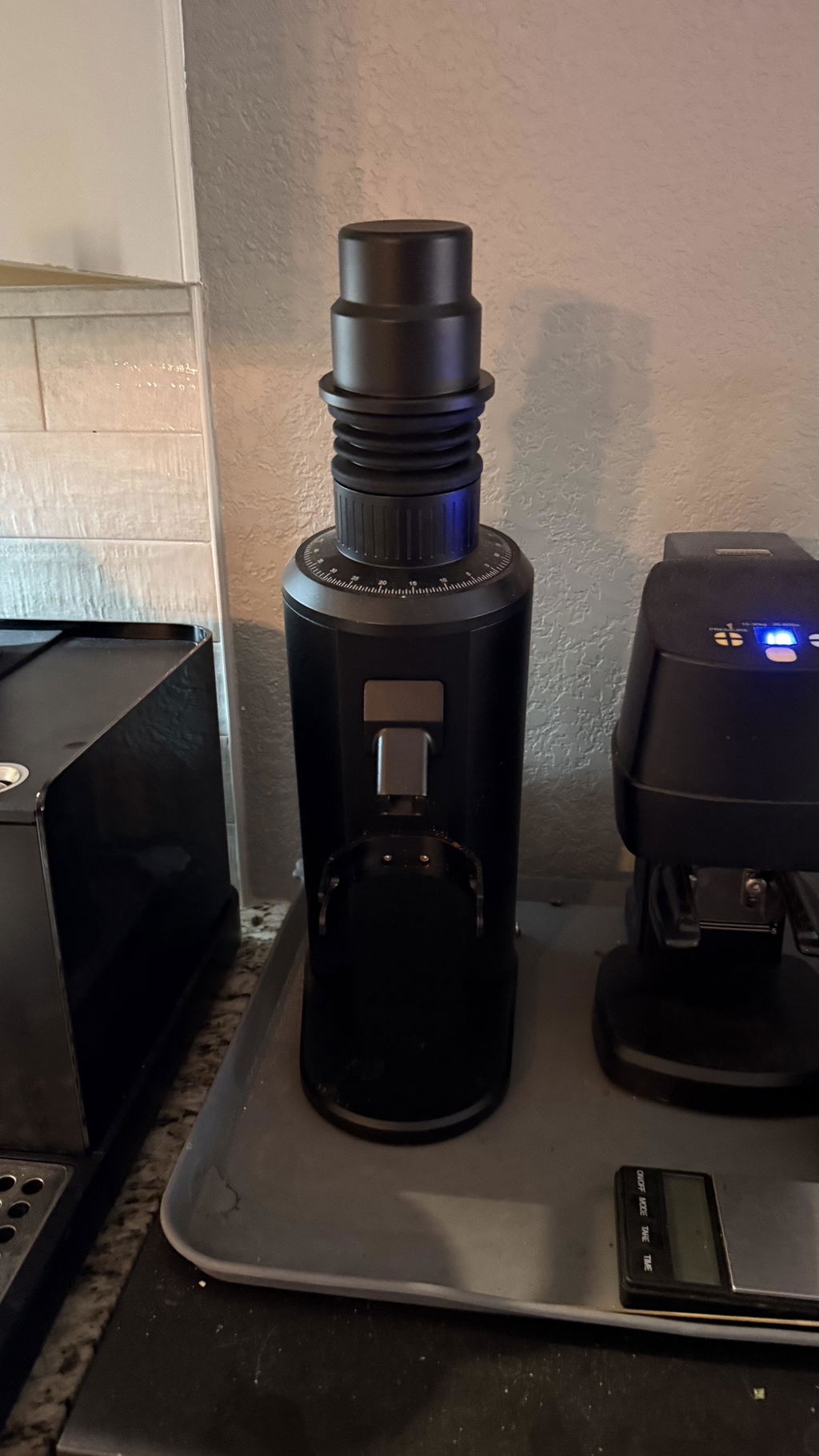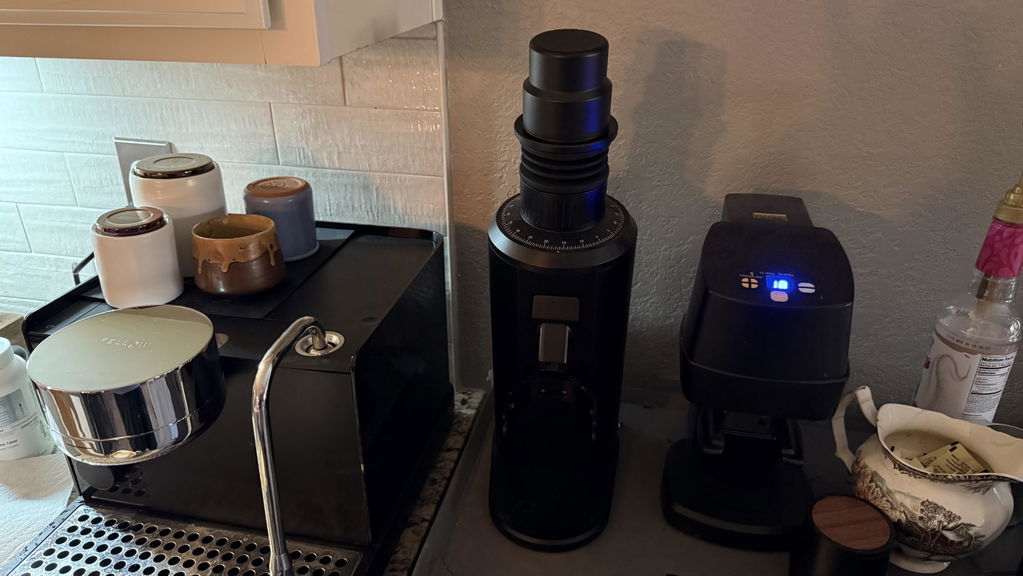
Coffee Grinder Grinding Slowly? Causes
If a coffee grinder is producing grounds more slowly than usual, do not immediately assume the motor is failing. The most common causes are a finer grind setting, dense light-roast coffee, restricted bean feeding, accumulated grounds in the chute, or a dirty declumper. A sudden major slowdown accompanied by humming, scraping, burning odor, or no burr movement needs a different response: stop the grinder, unplug it, and inspect for a jam or foreign object.
Quick check: Compare the grinder using the same dose, coffee, and setting you used previously. Grind time naturally changes when any of those variables changes.
What counts as unusually slow grinding?
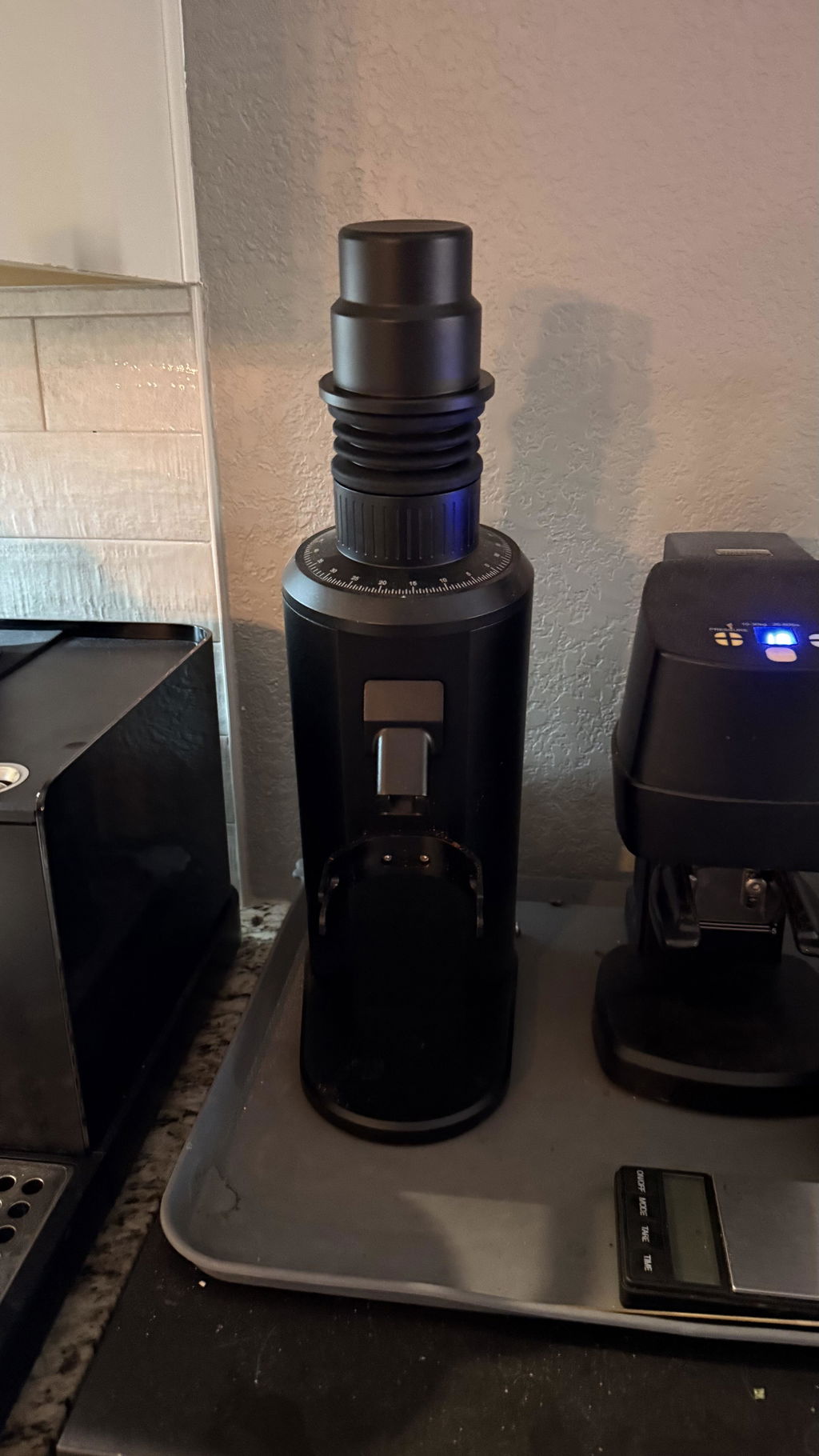
There is no universal grams-per-second target. Burr diameter, burr geometry, motor speed, roast level, dose, feed rate, and grind size all matter. Espresso grinding is normally slower than filter grinding because the burr gap is much smaller. A compact grinder such as the Turin DF54 will also have a different normal output rate than a larger 64 mm or 83 mm grinder.
A real problem is more likely when the same grinder, beans, dose, and setting take substantially longer than they did before—or when grounds arrive intermittently instead of in a steady stream.
Common reasons a coffee grinder slows down
1. The grind setting is much finer
Finer grinding reduces the burr gap and increases the work required to process each bean. If the slowdown appeared after dialing in espresso, test several marks coarser with the chamber empty. Follow the manufacturer’s adjustment instructions; many espresso grinders should be running when adjusted finer so coffee is not trapped between closing burrs.
2. The coffee is dense or lightly roasted
Light-roast beans are generally harder and place a greater load on the motor than darker, more brittle beans. Hot-starting—starting the empty grinder before adding coffee—and feeding the dose gradually can reduce the initial load. Our guide to hot starts versus cold starts explains when each method makes sense.
3. Beans are not reaching the burrs consistently
Beans can bridge in a narrow hopper, catch on an anti-popcorn device, or stick to an oily surface. With the grinder unplugged, confirm that the hopper gate is open and that no bean or debris blocks the inlet. Never push beans toward moving burrs with a finger or tool.
4. The chute or declumper is restricted
Ground coffee and oils can accumulate behind the declumper or along the exit chute. This is especially common with oily dark roasts, very fine settings, or a grinder whose bellows are not clearing the chamber. Follow the model-specific cleaning procedure and avoid damaging ionizer pins or a thin declumper membrane.
5. Coffee is packed beneath or around a burr carrier
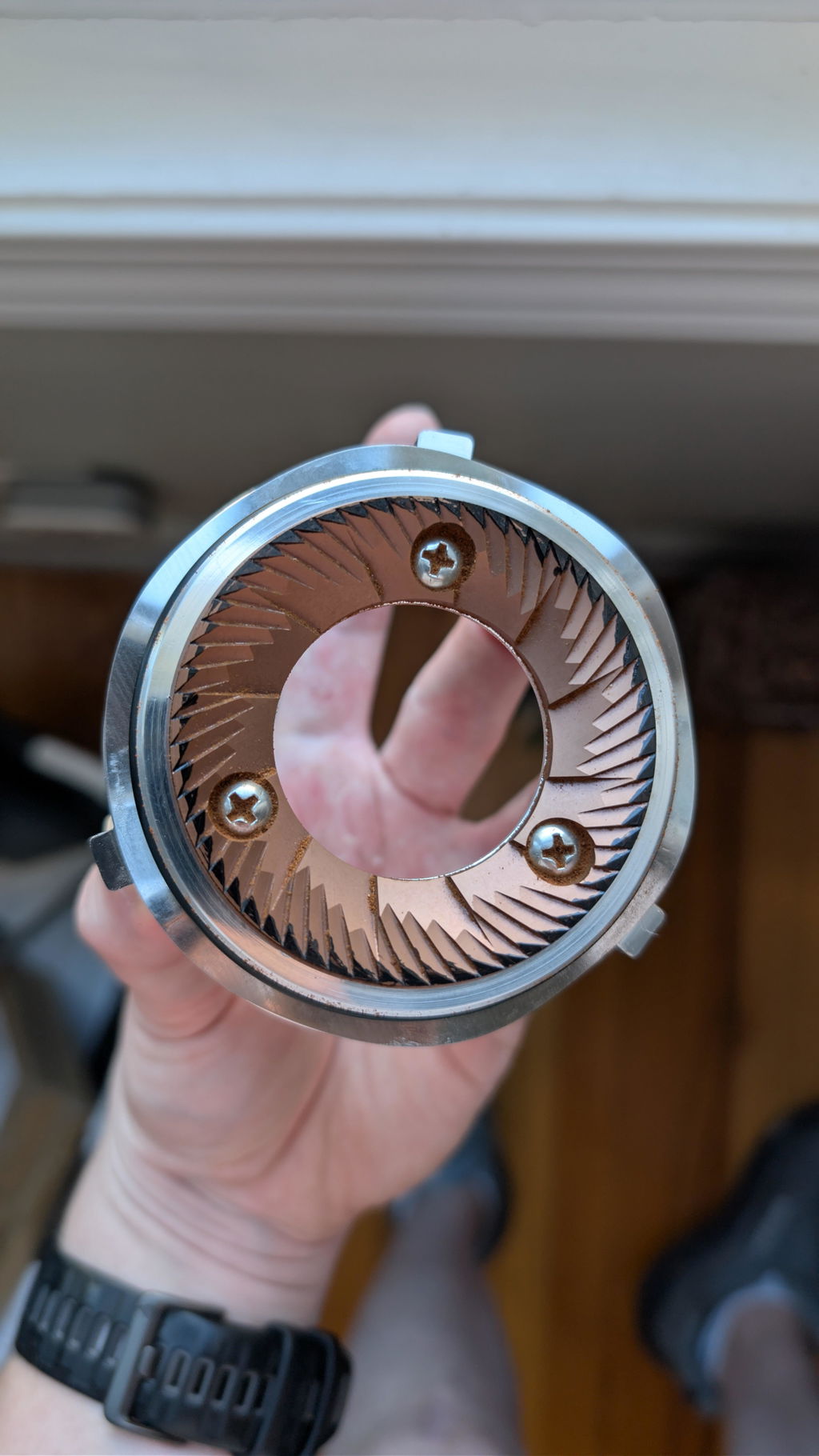
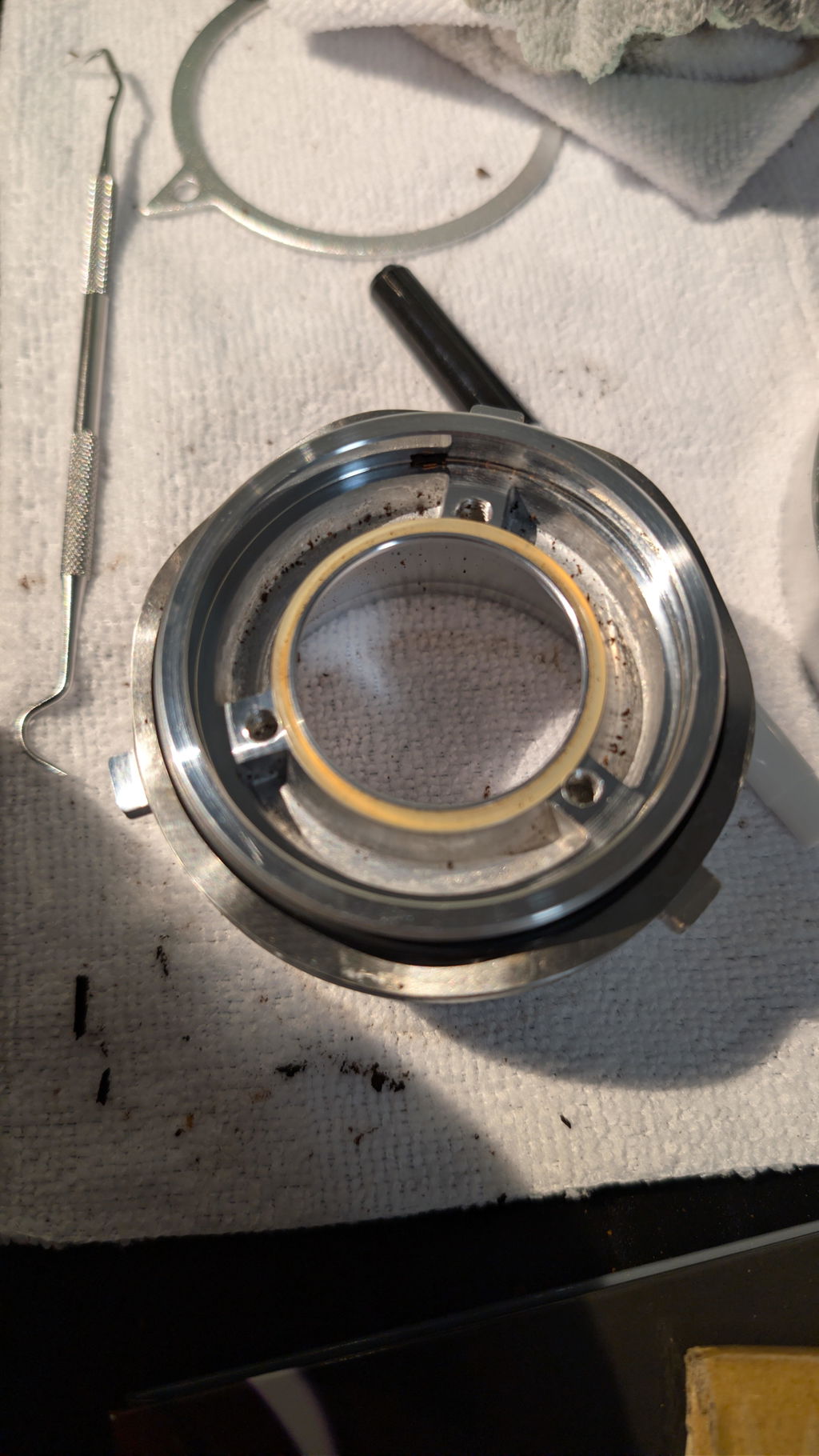
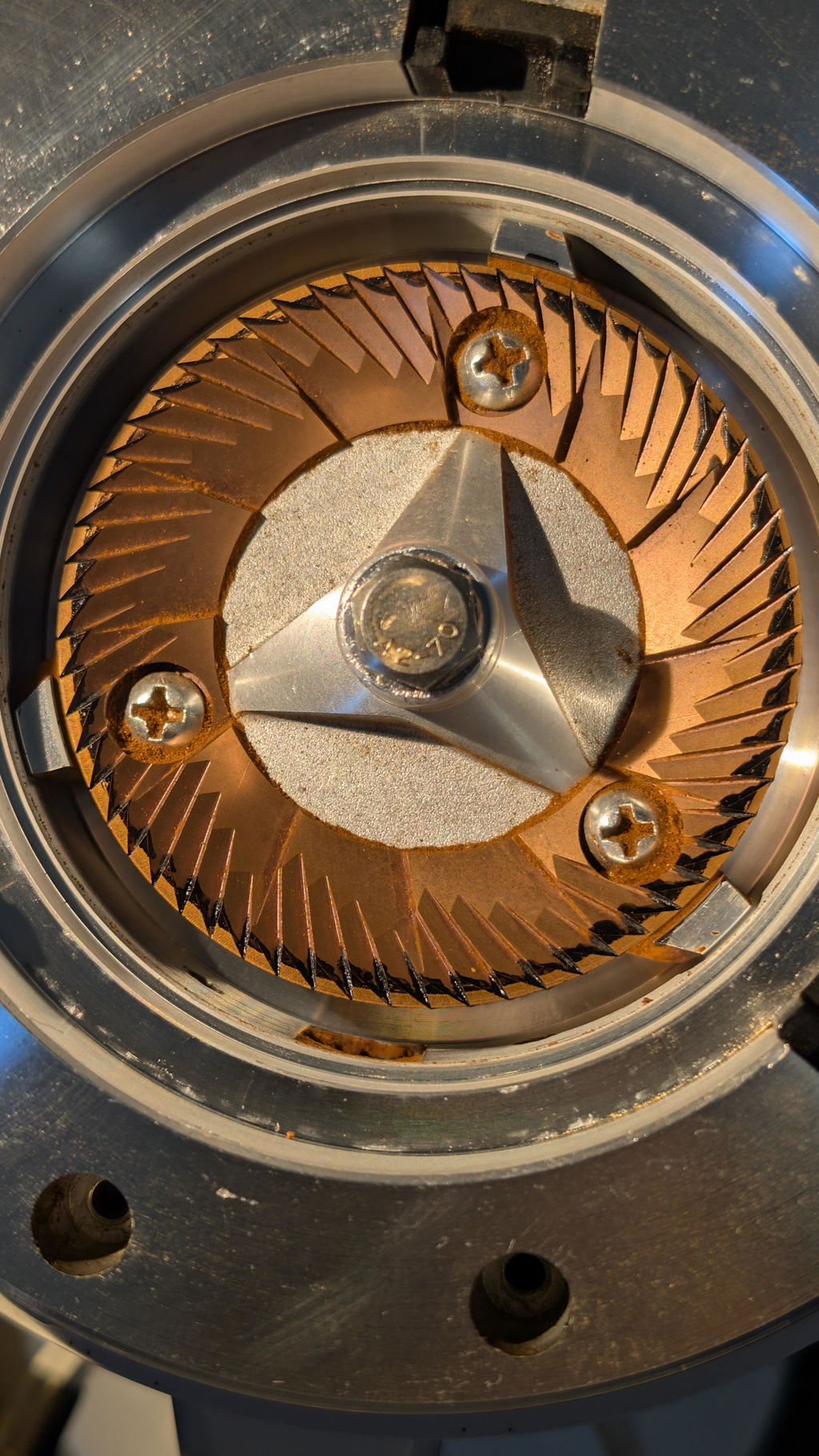
A severe clog can restrict burr rotation even after the visible chute is cleared. If the motor hums but the burrs do not turn, switch the grinder off immediately. Repeatedly powering a jammed motor can overheat it. Use the manufacturer’s cleaning instructions or the appropriate Espresso Outlet support page, such as the DF54 support center or DF64 Gen 2 support center.
Safe troubleshooting sequence
- Stop if you hear metal scraping, knocking, or a stalled motor.
- Unplug the grinder before reaching into the hopper, chute, or burr chamber.
- Confirm the hopper gate and bean path are open.
- With the grinder empty, move several marks coarser.
- Restart empty, then slowly add a small test dose.
- If output remains restricted, clean the chute and declumper using the model instructions.
- If the burrs still turn slowly with an empty, clean chamber, contact support instead of repeatedly testing it.
How to prevent slow output
- Use a hot start for dense coffee or very fine espresso settings when the model permits it.
- Operate the bellows as directed after the beans have finished grinding.
- Brush the exit chute before buildup becomes compacted.
- Do not spray excessive water during RDT; one very light mist is enough.
- Inspect coffee for stones or other foreign material before grinding.
- Deep-clean according to usage and roast level, not an arbitrary calendar alone.
If you need model-specific help, use the Espresso Outlet support form and include the grinder model, burr type, coffee, grind setting, dose, and a short video of the sound or output.
Frequently asked questions
Do dull burrs make a grinder slower?
They can reduce cutting efficiency after substantial use, but home-grinder burrs usually last a long time. A sudden slowdown is more likely to be a clog, jam, feeding problem, or major setting change.
Can oily beans clog a grinder?
Yes. Surface oils collect fines and can create sticky buildup in the chute and declumper. More frequent dry cleaning may be needed when using very dark roasts.
Should I keep running a grinder that hums but does not spin?
No. Turn it off promptly. A humming, stationary motor is commonly a jammed system, and repeated attempts can overheat electrical components.