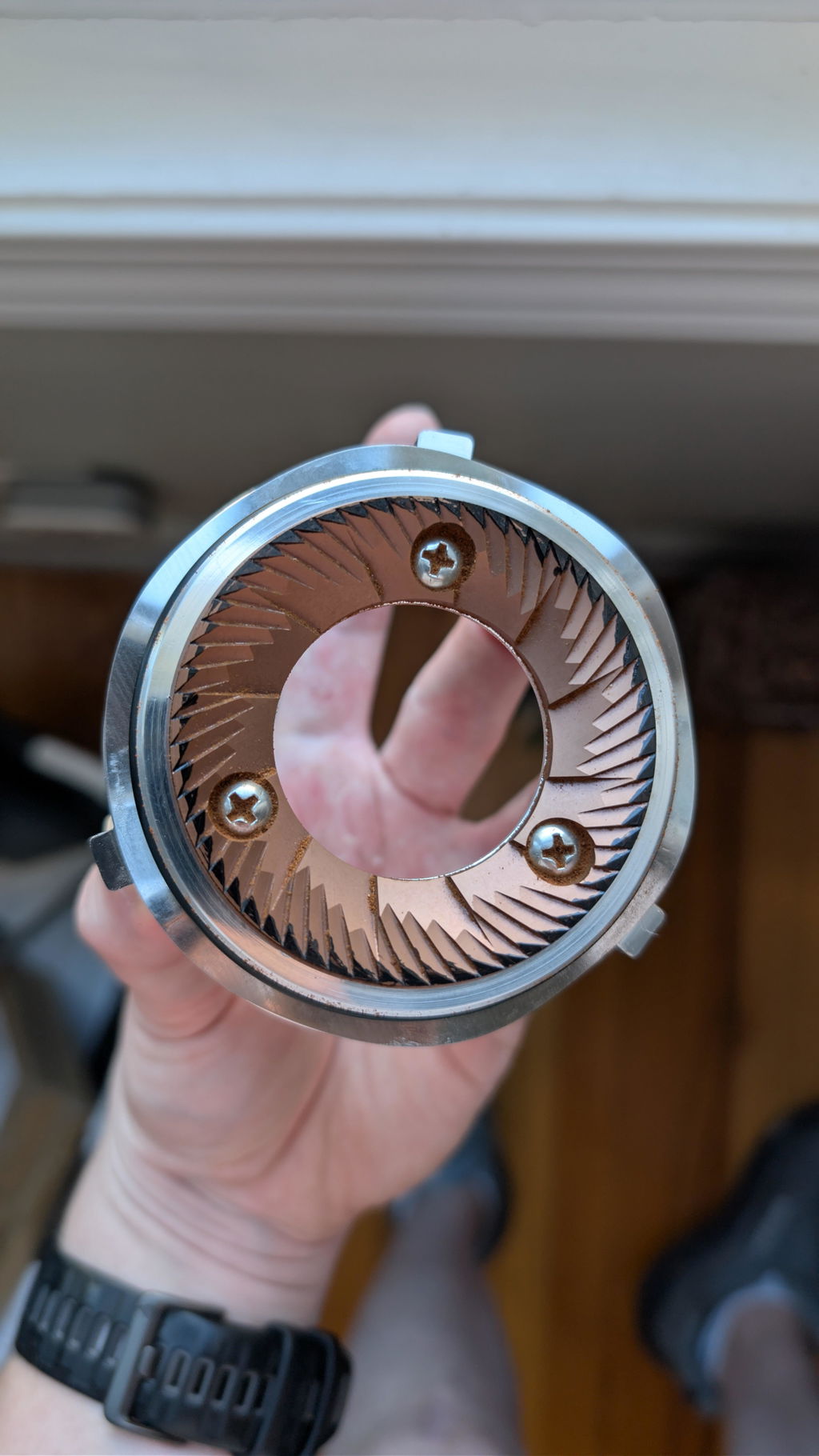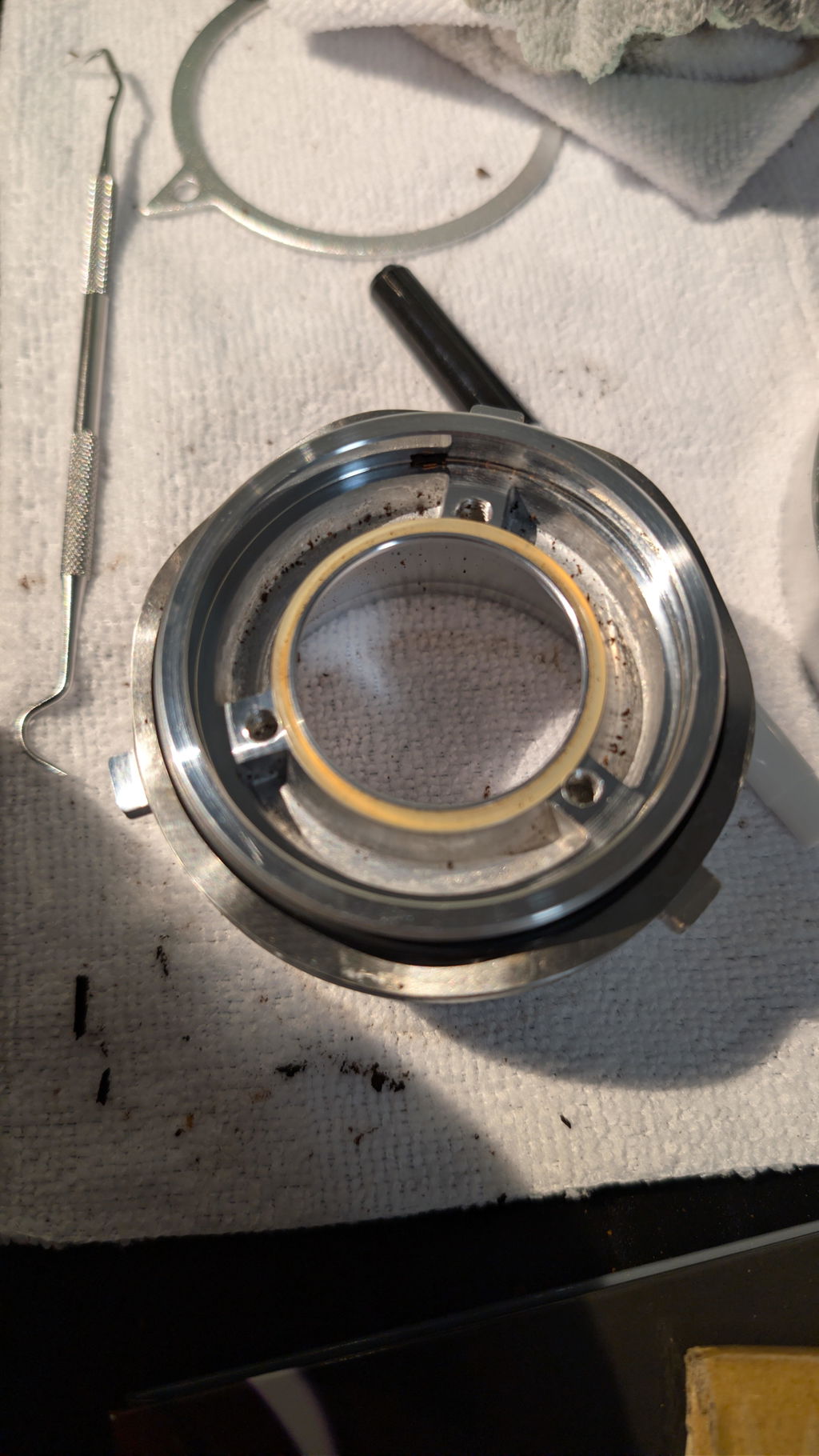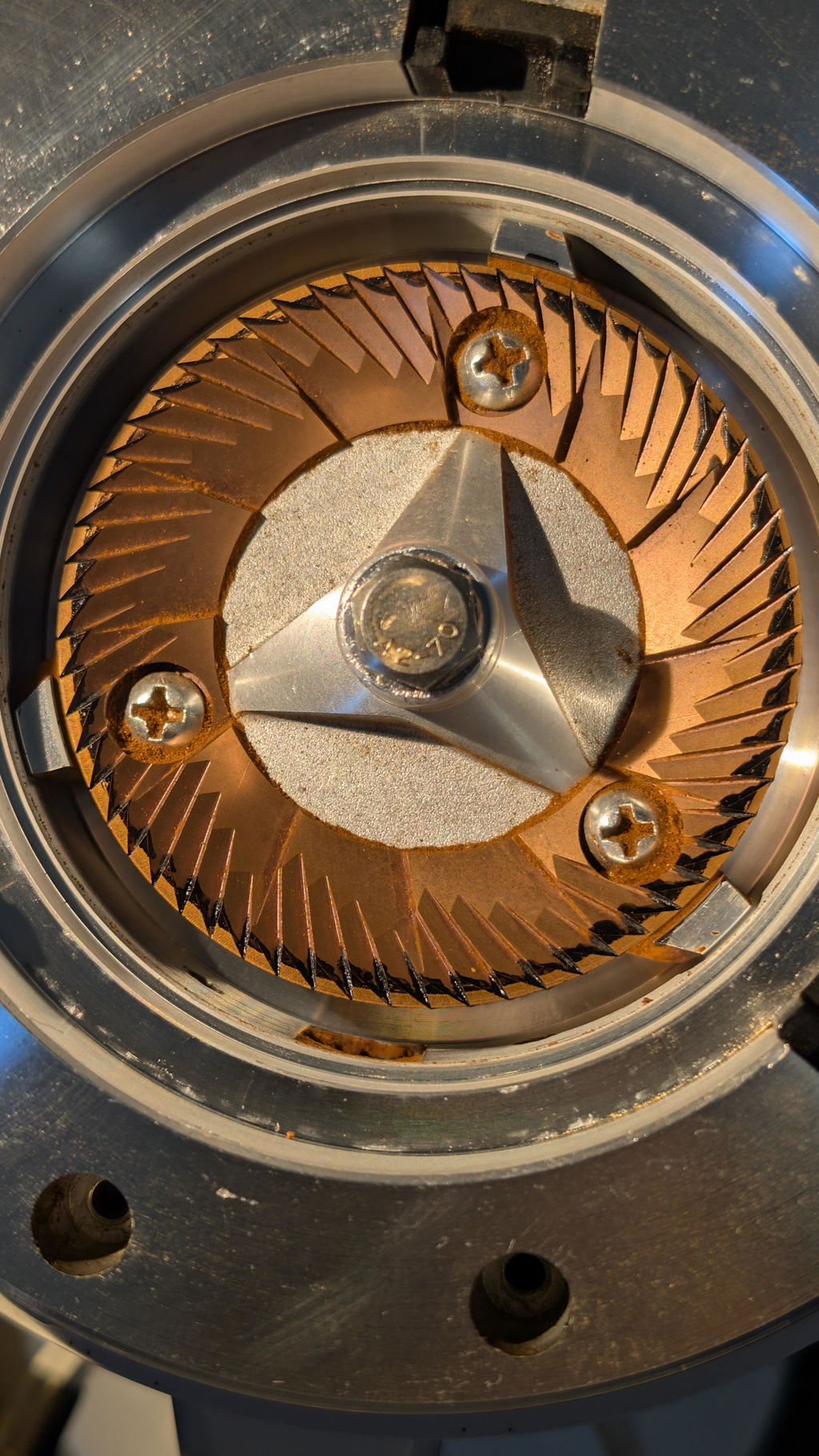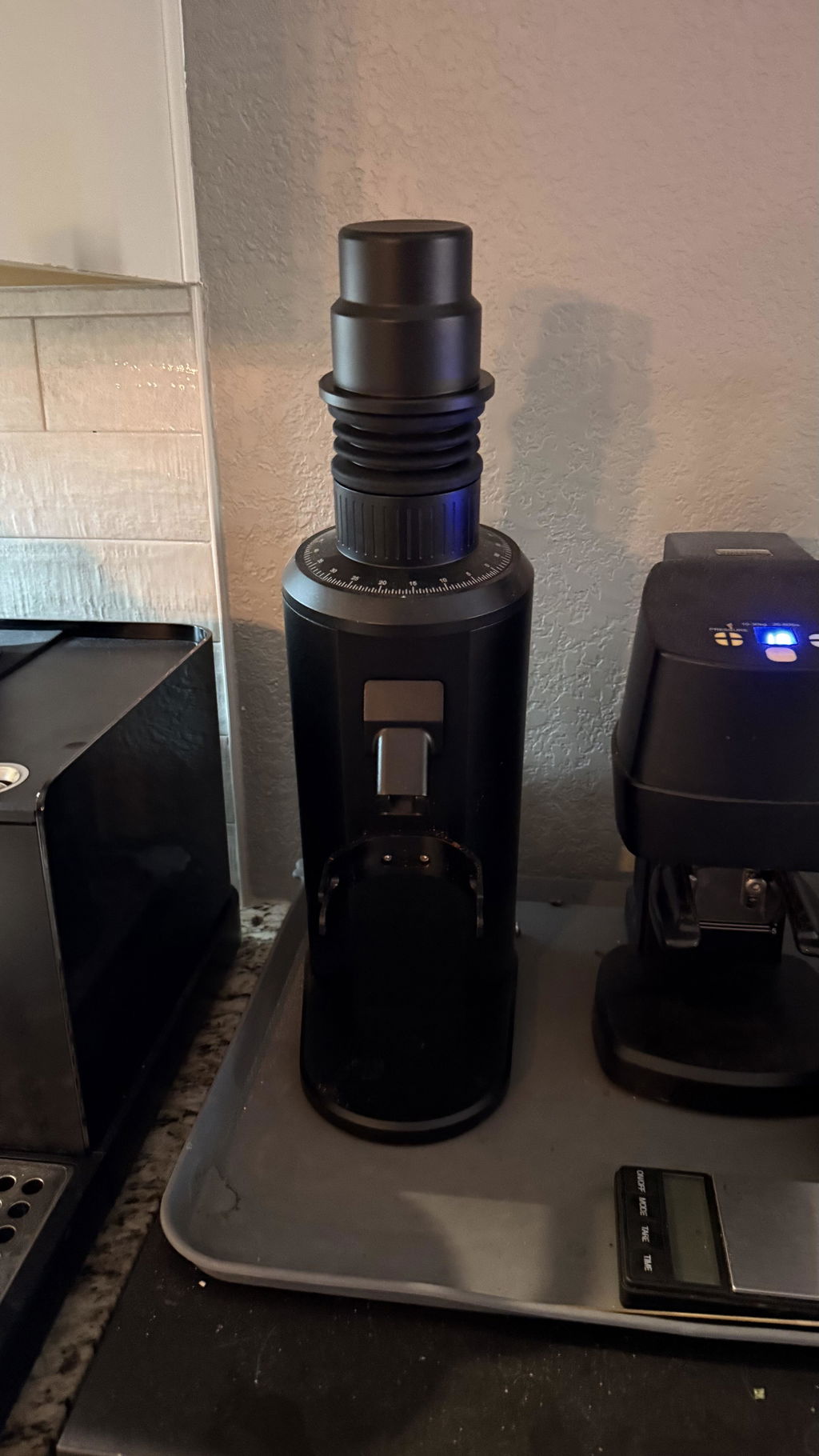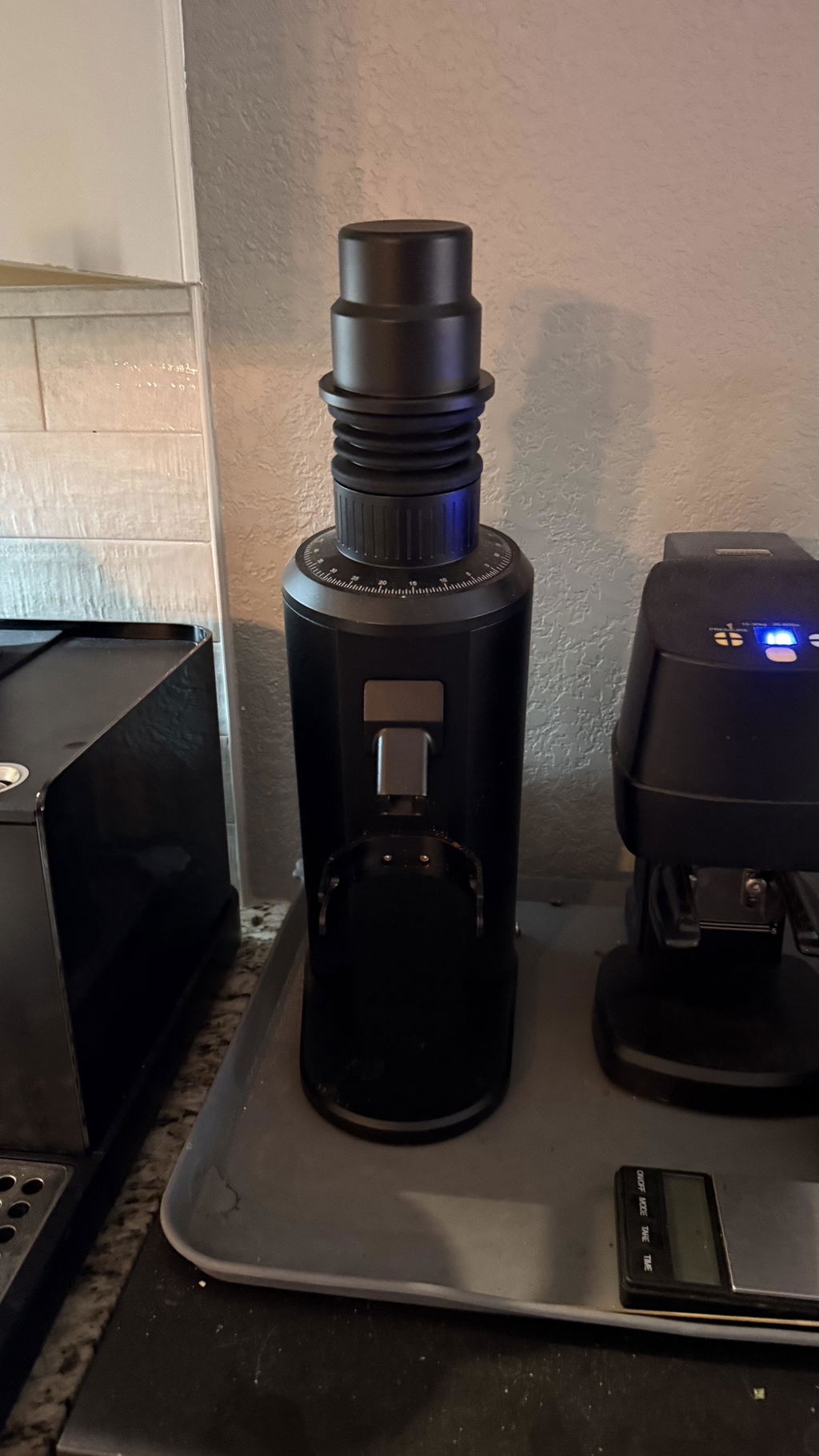
DF64V RPM Dial Not Working or Grinder
A DF64V can sound similar across nearby RPM settings even when speed is changing normally. Test the full control range with an empty grinder before diagnosing the dial, and separate normal load-related pitch changes from repeated electrical surging.
Establish a safe baseline
- Remove all coffee and set the grinder clearly coarse.
- Confirm the voltage on the rating label matches the supply.
- Plug directly into the correct grounded outlet.
- Start at a moderate setting, then compare the lowest and highest marked speeds.
- Wait briefly after each change rather than sweeping the control continuously.
The difference should be easier to hear at the endpoints. Do not use a phone sound-meter reading as an RPM measurement; pitch and loudness are not the same as rotational speed.
Why speed changes under coffee load
Dense beans, fine grinding, and an aggressive feed increase torque demand. A brief pitch drop can be normal. Repeated pulsing, a complete stall, or speed that jumps with no beans is not. If the issue happens only at the lowest RPM with a full cold-start dose, test a hot start and slower feed before assuming the controller failed.
Check the external control
With power disconnected, inspect the knob for looseness, damage, or contact with the front panel. Do not pull the control apart or touch the board while energized. If the knob turns without normal resistance or was struck during shipping, photograph it before further testing.
When to stop testing
Unplug the grinder if speed surges empty, the motor cuts in and out, the control smells hot, the display or indicators flicker, or the grinder trips a protective device. Send support the generation, voltage, serial number, RPM settings tested, burr set, and a video showing the entire grinder. Never bypass the speed controller or substitute an unapproved power adapter.